

Find your region

Avire-Logo-Group

For countries not listed, see the Global site.

Note: Some products are available only in certain regions. Contact us regarding local availability.

Rath

Remote Annunciator – SAFE-AN-1002

Compliant with
Overview
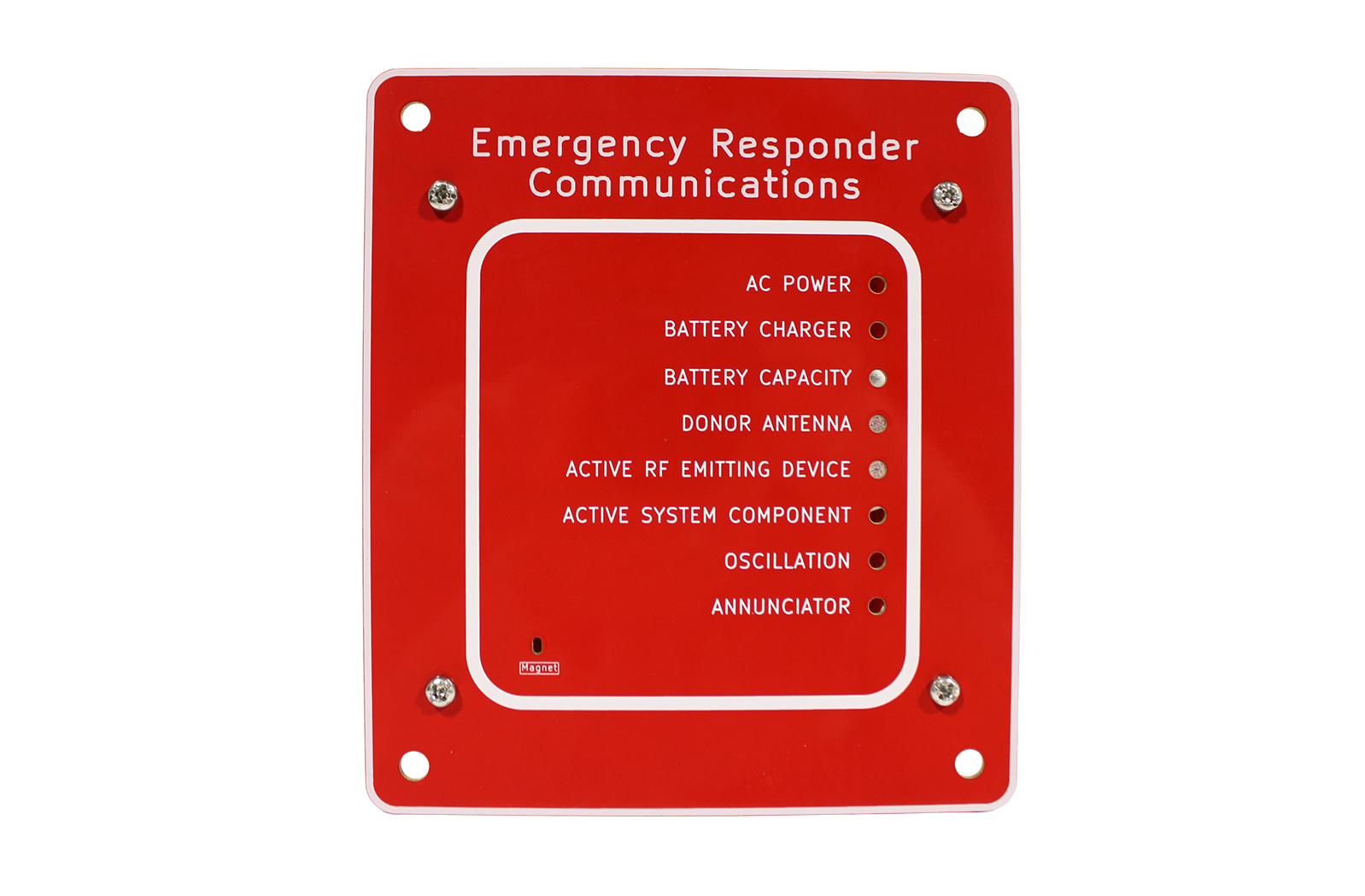
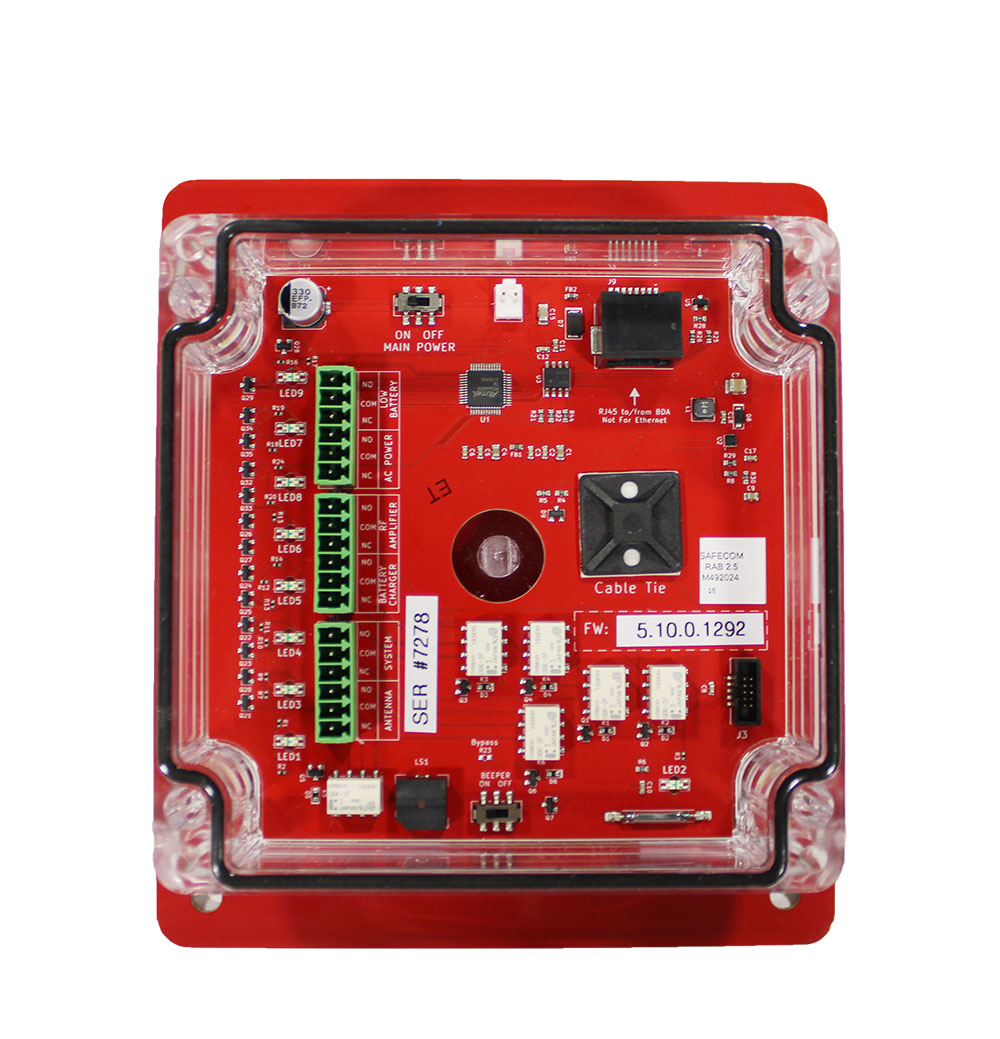
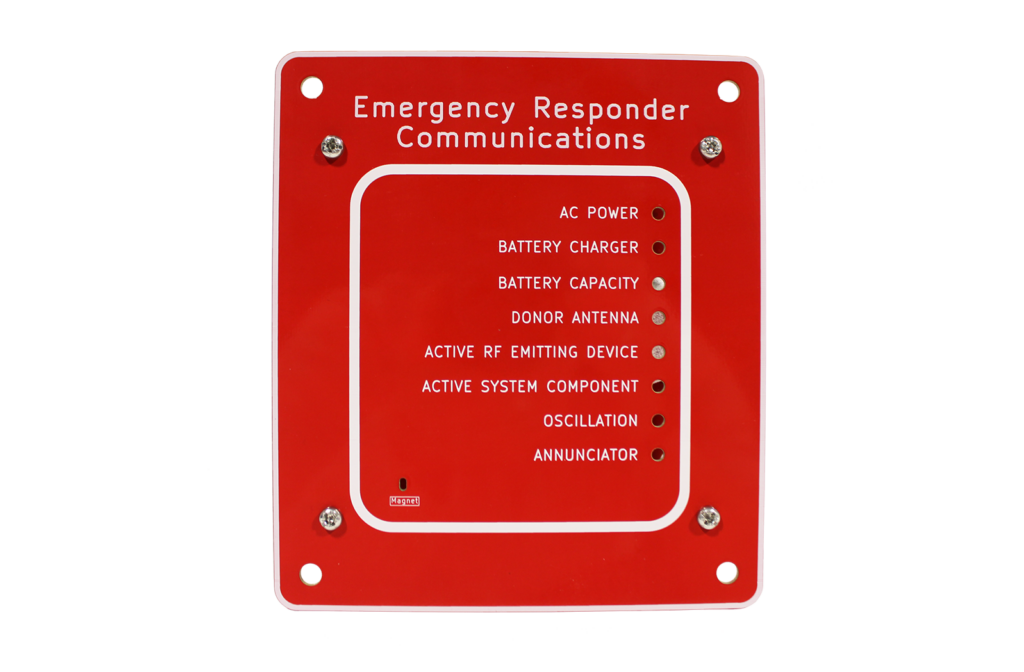
The Safe-Com remote annunciator features LED and audible alerts for code-required alarms with additional form-C relays for external connections. A single CAT5 cable is provided to deliver power from the BDA.

LEDs are tested using a magnet/magnetic switch that cycles the LEDs through their colors with a quick tap. Users can temporarily mute the audible alarms for 24 hours during install, testing or maintenance by holding the magnet over the magnetic switch for 5 seconds. This does not prevent new alarms from sounding.

Meets NFPA 1221/1225 requirements

Power and Connection:

  • Power: Provided by the BDA
  • Connection: 4-pair 24 AWG CAT5 cable, with RJ45 connector
  • Max Distance: Up to 1,000 feet from BDA

Alarms:

  • Presentation: Visual LEDs flash red, audible alarm sounds to alert local personnel
  • Alarm Outputs: 6 relays provided for NFPA code-required notifications plus oscillation alarm and all-purpose active system component alarm. Additional form-C relays are available for connection to the fire panel.

Dimensions & Enclosure: 

  • Front Panel: 6.5″ x 5.75″ x 0.08″
  • Gang Box: 4.5″ x 4.5″ x 3″
  • Enclosure Type: NEMA 4
  • Mounting: Recessed or flush

Warranty:

  • 2 years

Files and Resources

Datasheet_SAFE-AN-1002 Remote Annunciator
Data Sheets
Download
SAFE-AN-1000 Remote Annunciator Install and Use Guide
Install Guides
Download

Education, Training & Support

We believe that ongoing education is paramount to your professional development.


As the code and training experts, our website offers all the documentation and educational resources needed to assist you in making the right decisions.

Education

Whether you’re looking to build your knowledge, troubleshoot an issue, or connect with a product expert – were here to help! Access the tools and support you need to make informed, code-compliant decisions.

See Education

FAQs

Get quick answers to common questions.

See FAQs

Technical Support

Schedule time with a support specialist.

Technical Support

Contact Sales

Speak with a sales expert about your project needs.

Contact Sales