









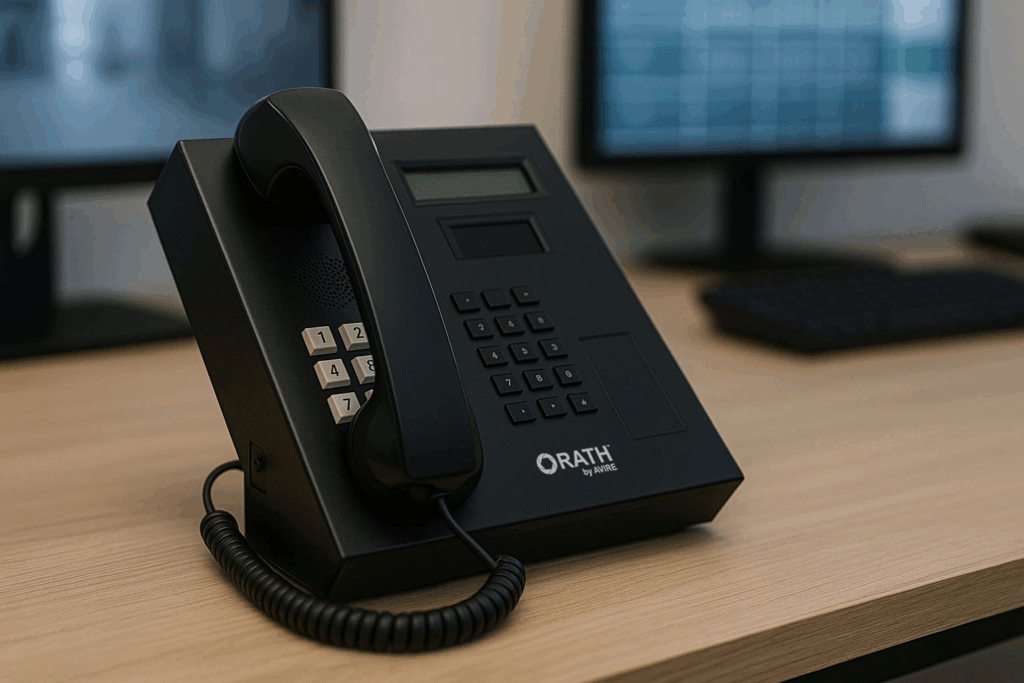

Product Variants
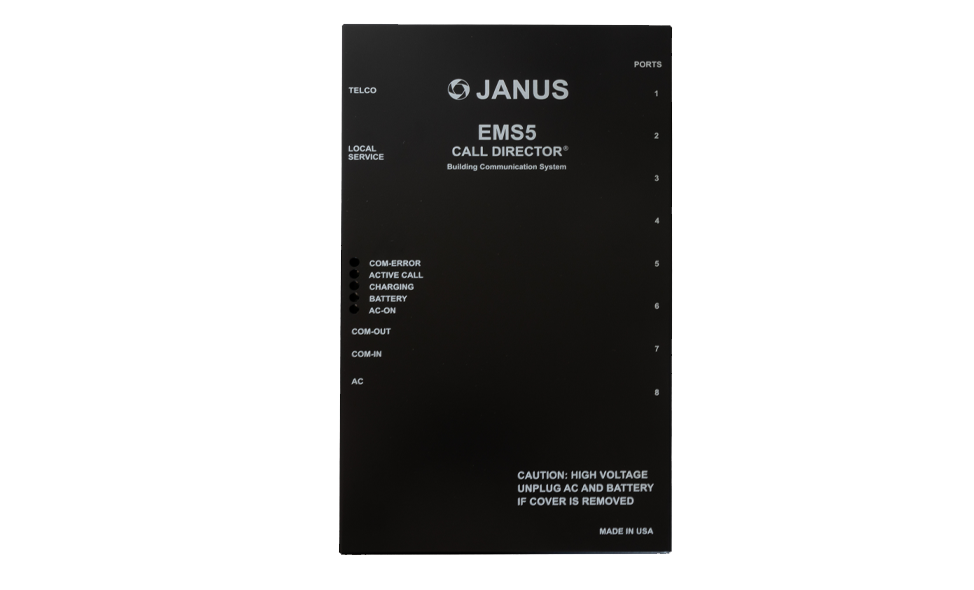 EMS 5 Call Director Dimensions: 8-3/8″ W x 14-1/8″ H x 2-5/16″ H Code Compliance: • FCC Registered • CSA Listed Power: • 110vac to 16vac @ 1A power transformer supplied • Loop Current Range: 10mA to 60mA (20mA typical) Additional Features: • Allows onsite communication between Master Station and all other devices • Four-hour battery backup • Saves phone line expenses • Functions as a stand alone intercom system • Phone line monitoring available • Onboard keypad • Low battery alarm call • Built in three number dialer • Extended voice chip capability • On or offsite monitoring capabilities • Fully programmable voice chip • Onsite diagnostic read out Weight: 9 lbs. Warranty: 2 years  | 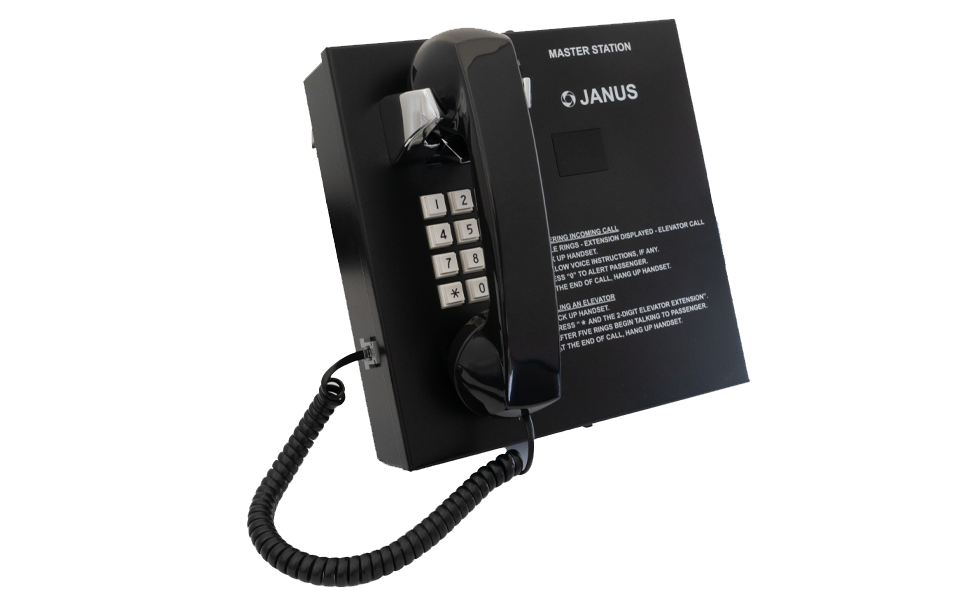 SHW Lobby Master Station SHW Lobby Master StationDimensions: 9-3/16″ W x 9-3/16″ H x 5″ D • The SHW Master Station Phone provides two way communication between the lobby or fire control room and the elevator phones on an EMS5 System. • Once a call is placed from an elevator phone, the call will be directed to the SHW phone. The digital display will show the number of the elevator calling. Power: 110vac to 12vdc @ 500mA power transformer supplied Additional Features: • A master station combined with the EMS5 system can operate without a phone line where 24-hour on-site monitoring is used • Allows onsite communication between master station and all other devices connected to the EMS5 • Multiple master stations can be used on a system • Wall mount, flush mount, desk set, and hands-free options available Weight: 6 lbs. Warranty: 2 years | 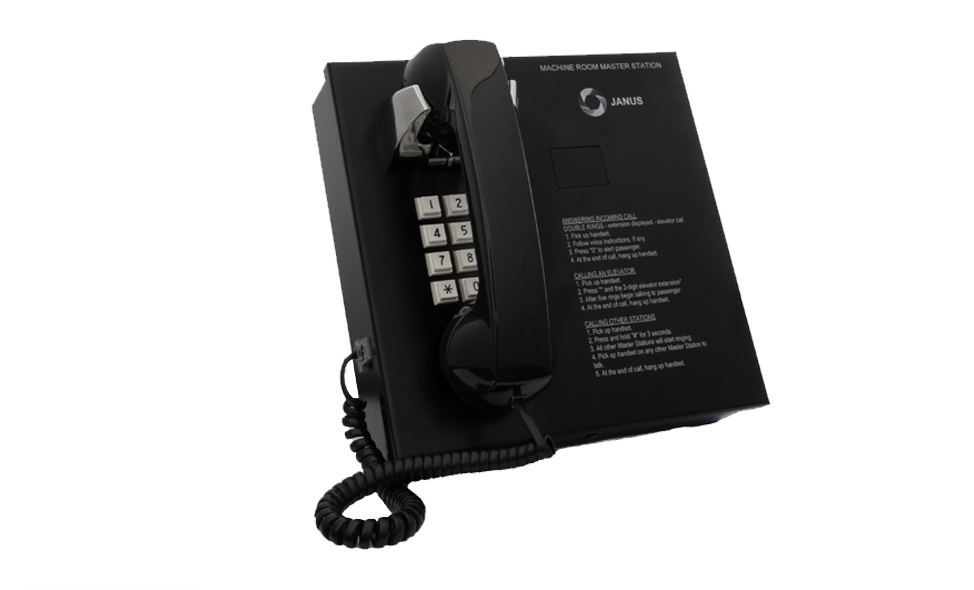 SHW-MR Machine Room Master Station Dimensions: 9-3/16″ W x 9-3/16″ H x 5″ D • The SHW-MR Master Station Phone provides two way communication between the machine room or fire control room and the elevator phones on an EMS5 System. • Once a call is placed from an elevator phone, the call will be directed to the SHW-MR phone. The digital display will show the number of the elevator calling. Power: 110vac to 12vdc @ 500mA power transformer supplied Additional Features: • Allows onsite communication between the machine room and all other devices connected to the EMS5 • Multiple Machine Room masters can be used on a system • Digital display shows origin of call • Wall mount, flush mount, desk set, and hands-free options available Weight: 6 lbs. Warranty: 2 years |

