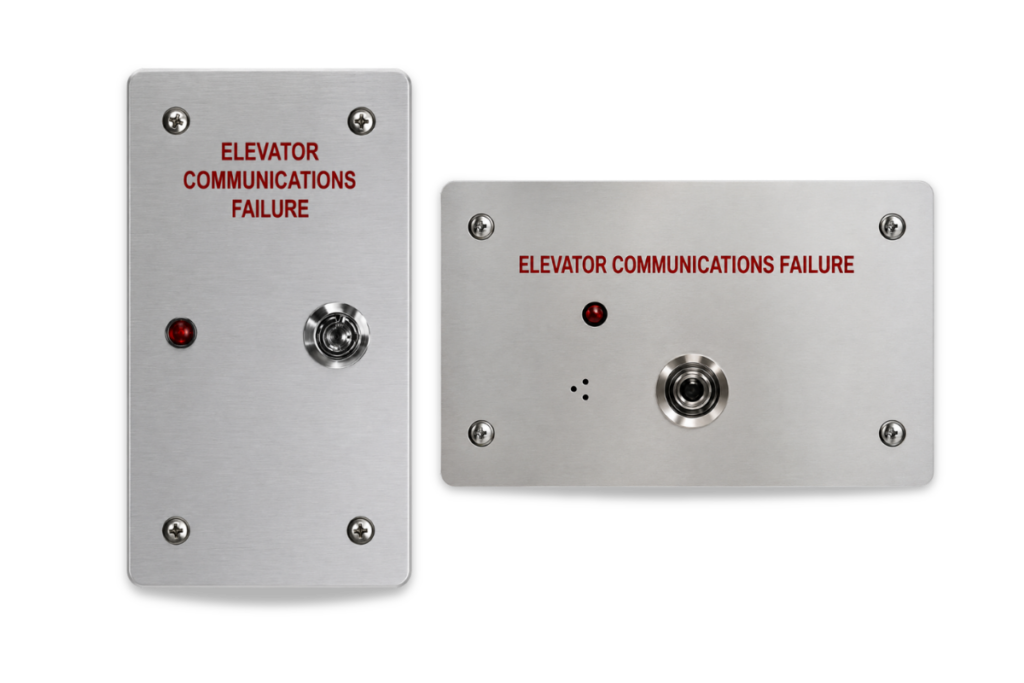

Aftermarket System
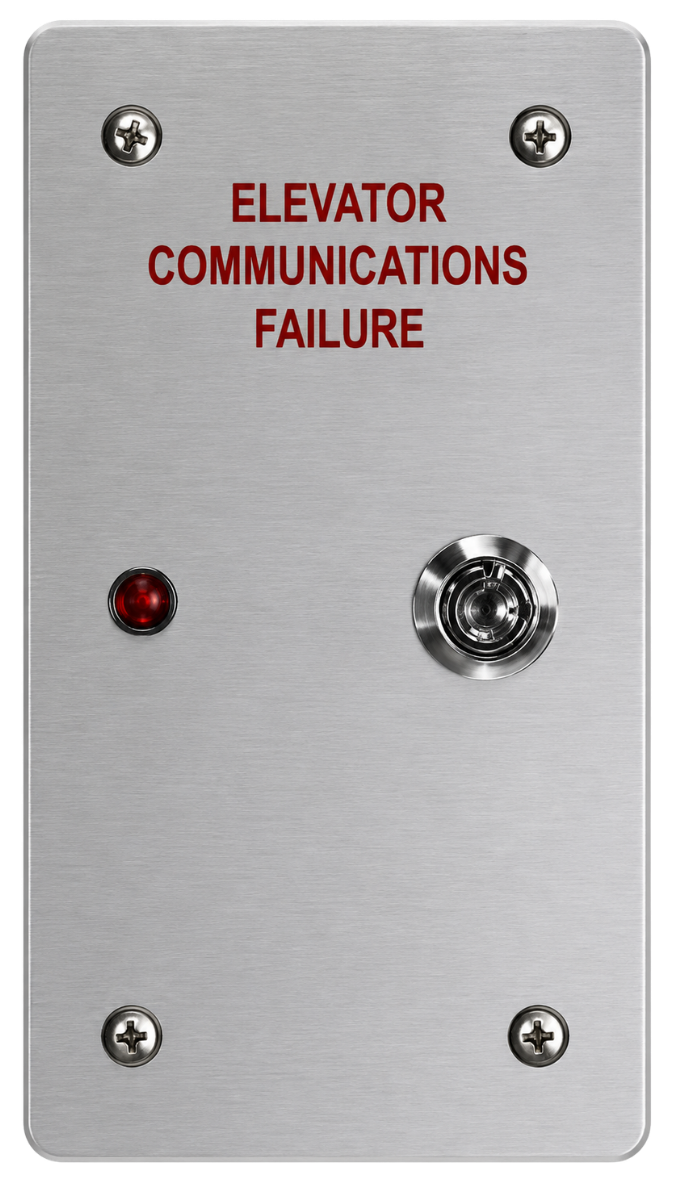
2100-ALARM Series
Compliant with
Product Variants
| 2100-ALARM | 2100-ALARMV | 2100-ALARM-S | 2100-ALARM-SV |
|---|---|---|---|
| Horizontal, Flush Mount | Vertical, Flush Mount | Horizontal, Surface Mount | Vertical, Surface Mount |
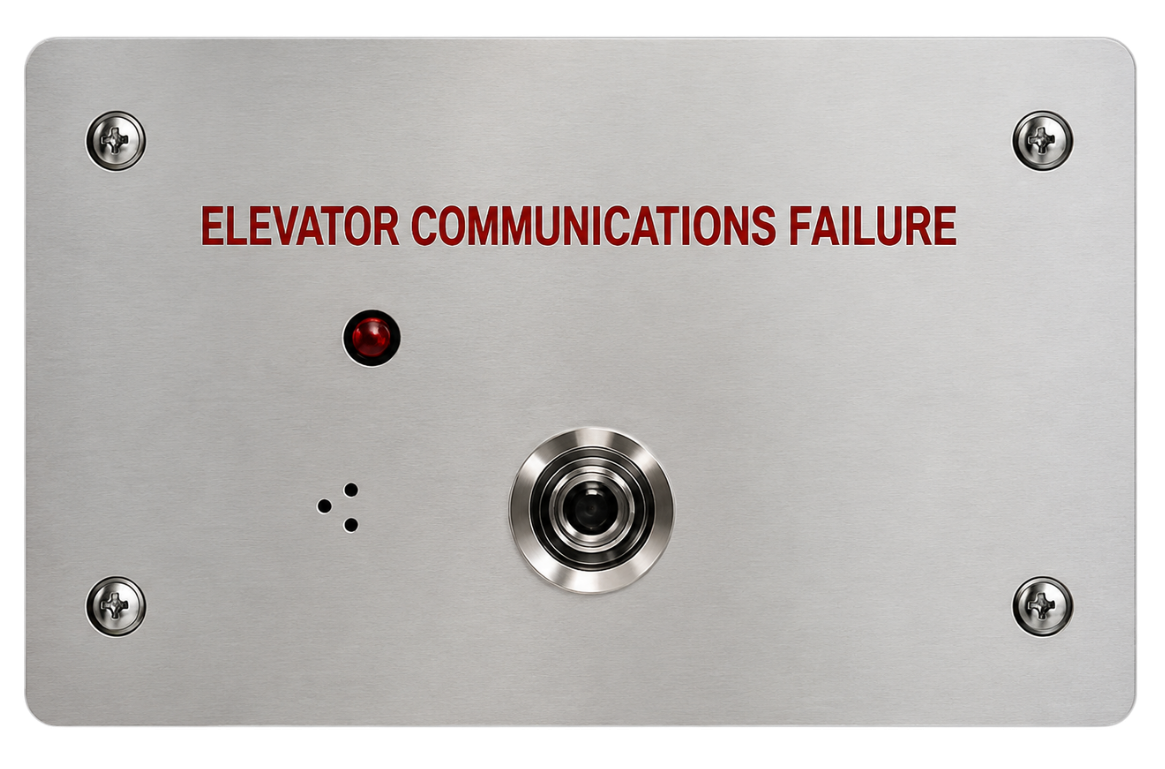 | 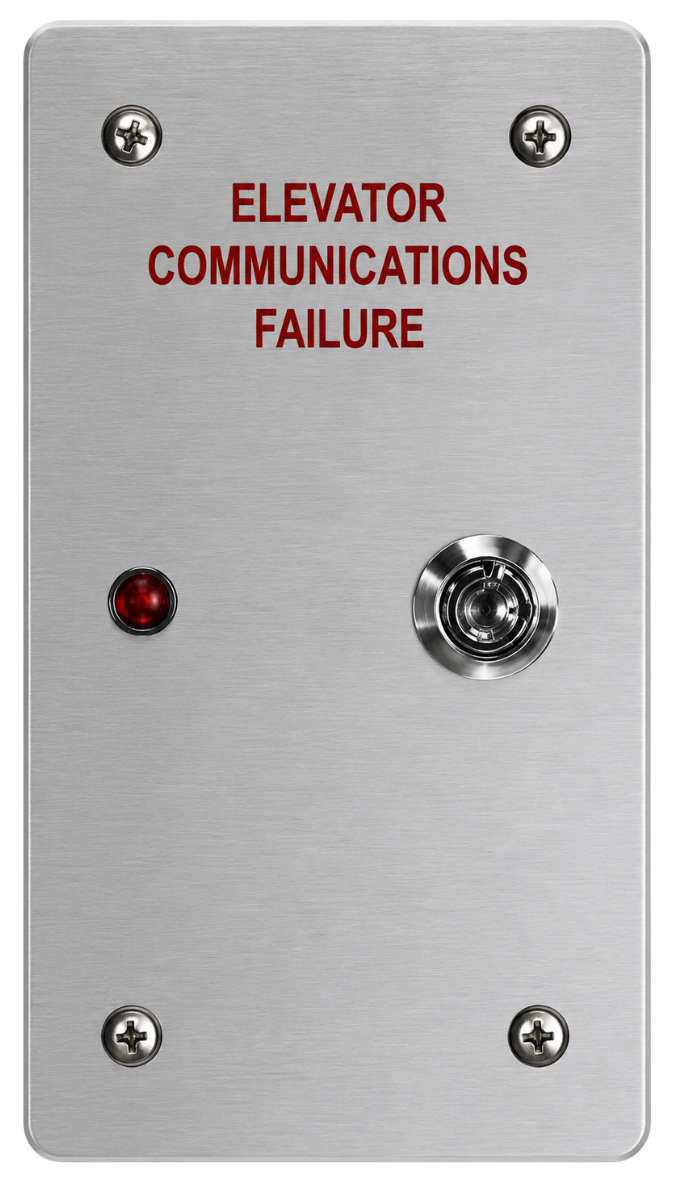 | 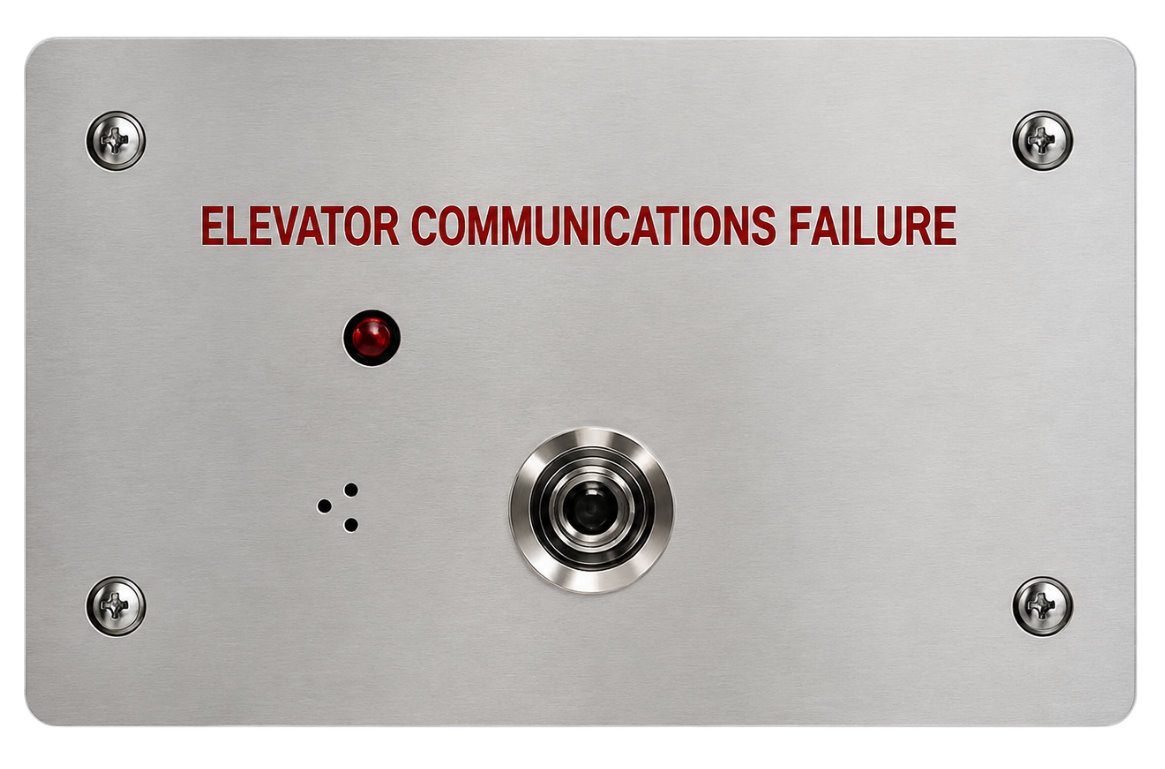 |  |


Featuring the brands of RATH and JANUS





For countries not listed, see the Global site.
Note: Some products are available only in certain regions. Contact us regarding local availability.




| 2100-ALARM | 2100-ALARMV | 2100-ALARM-S | 2100-ALARM-SV |
|---|---|---|---|
| Horizontal, Flush Mount | Vertical, Flush Mount | Horizontal, Surface Mount | Vertical, Surface Mount |
| | | |

We believe that ongoing education is paramount to your professional development.
As the code and training experts, our website offers all the documentation and educational resources needed to assist you in making the right decisions.
Whether you’re looking to build your knowledge, troubleshoot an issue, or connect with a product expert – were here to help! Access the tools and support you need to make informed, code-compliant decisions.
See EducationGet quick answers to common questions.
See FAQsSchedule time with a support specialist.
Technical SupportSpeak with a sales expert about your project needs.
Contact Sales